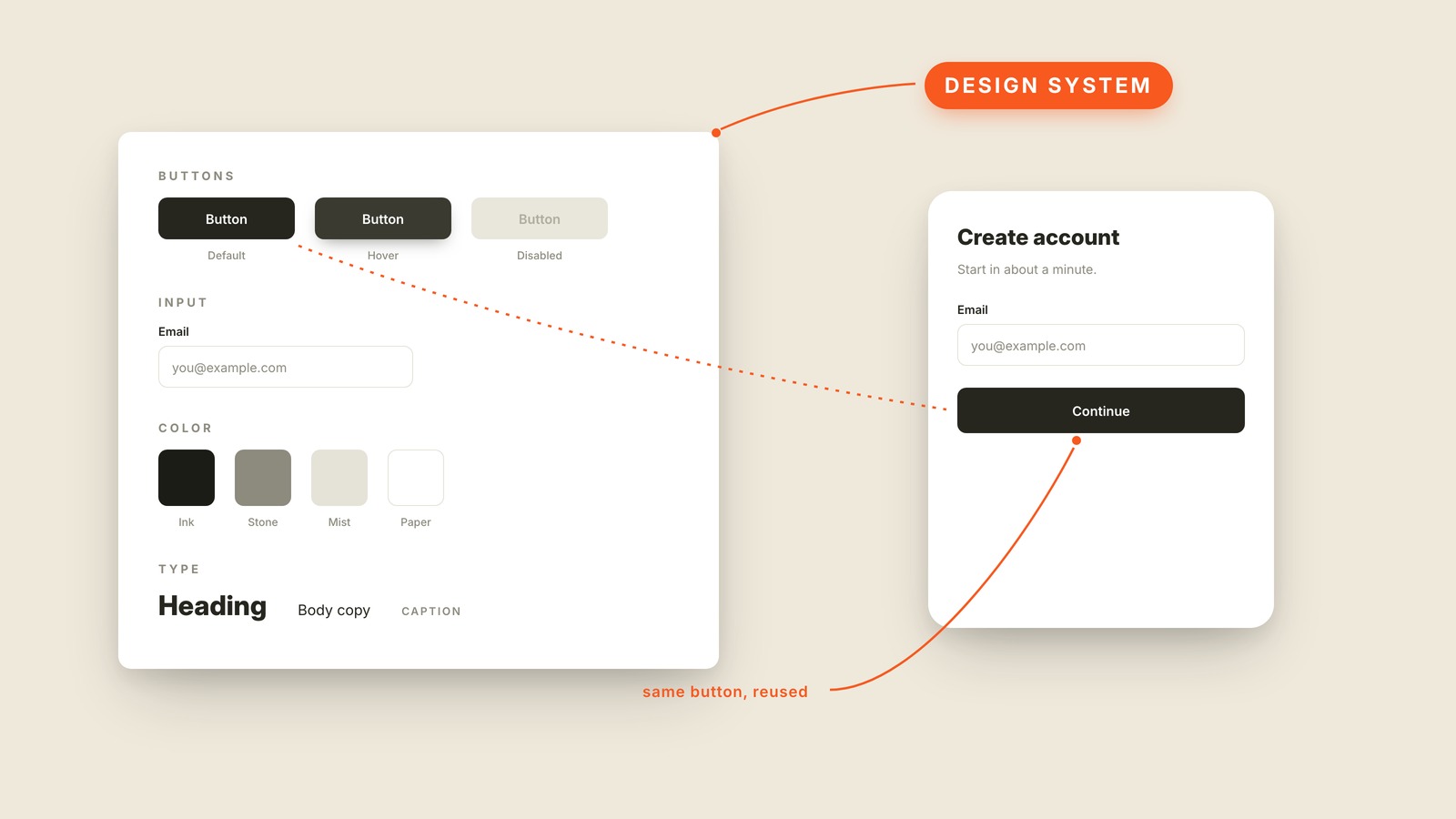
Fig. 60 / Design System
UX & Process
Design System
EXPLAINED SIMPLY:A design system is the shared kit of reusable components, colors, and rules a team draws from, so every screen looks like it came from the same product.
A design system is the shared kit of reusable components, colors, and rules a team draws from, so every screen looks like it came from the same product.
Picture a well-kept parts drawer: a button with its default, hover, and disabled states, one blessed email input, cards, a handful of named colors, a type scale. When someone designs a signup form, they don't invent a button. They take the button. Same button, reused, on every screen the product will ever have.
The point of a design system is to make each design decision once instead of remaking it on every screen. Without one, every new screen is a fresh opportunity to invent a slightly different button, and a year in, the product has nineteen shades of blue and no two forms that match. Users read consistency as competence, and they notice when screens disagree even if they can't say why.
The big ones have names you may already know. Google's Material Design is the reason every Google product feels related, and Shopify publishes its system, Polaris, for anyone to study.
You'll also hear "style guide" (the visual rules in document form), "pattern library" or "component library" (the parts without the philosophy), "UI kit" (the design-file version), and "design tokens" (the named values, like Ink or Paper, that everything references). The design system is the umbrella over all of it.
When your product looks like five different companies built it, the thing you're missing is a design system.