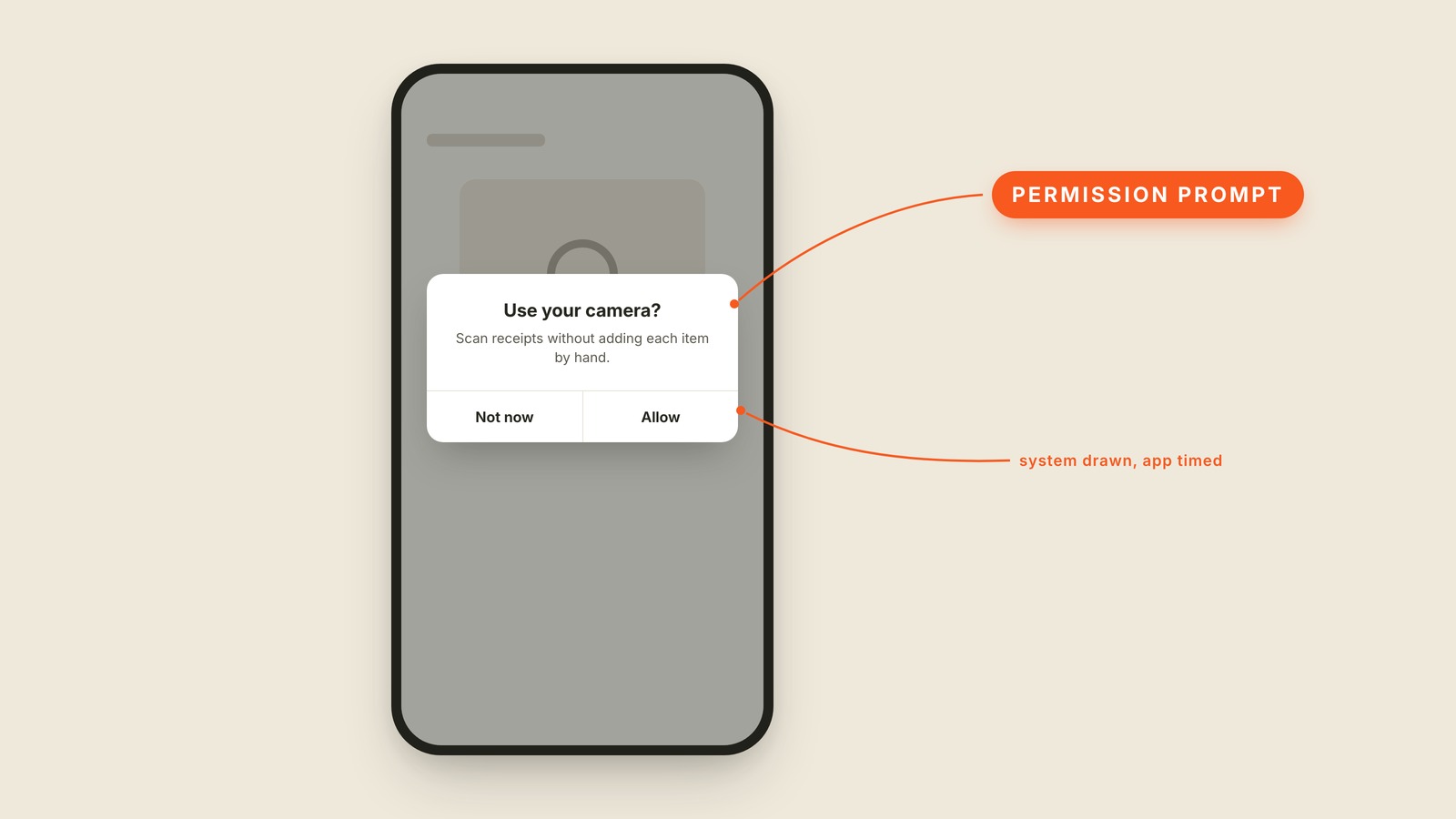
Fig. 12 / Permission Prompt
Mobile UI Patterns
Permission Prompt
EXPLAINED SIMPLY:The system-owned box asking for private access.
A permission prompt is the yes-or-no system dialog asking whether an app may use something private, such as your camera, location, photos, or notifications.
The operating system draws it, not the app. The buttons, wording, and layout belong to the phone, so a designer cannot restyle the box to make yes louder. The app controls when it asks, and timing is the most important design decision it gets.
Ask for camera access when someone taps Scan receipt and the reason is obvious. Ask on the first screen, before they have seen a receipt, and the same request feels nosy. Many permissions are difficult or impossible to ask for again after no, which makes the first attempt count.
You'll hear permission dialog, permission request, system prompt, allow prompt, and opt-in prompt. It behaves like a modal because the rest of the screen waits, but this one is system-owned. A permission prompt should arrive at the moment its benefit becomes visible.
People say yes when they understand the trade. They say no when a surprise box appears before the app has earned any trust. Do not spend the one good ask before the user knows what yes unlocks.