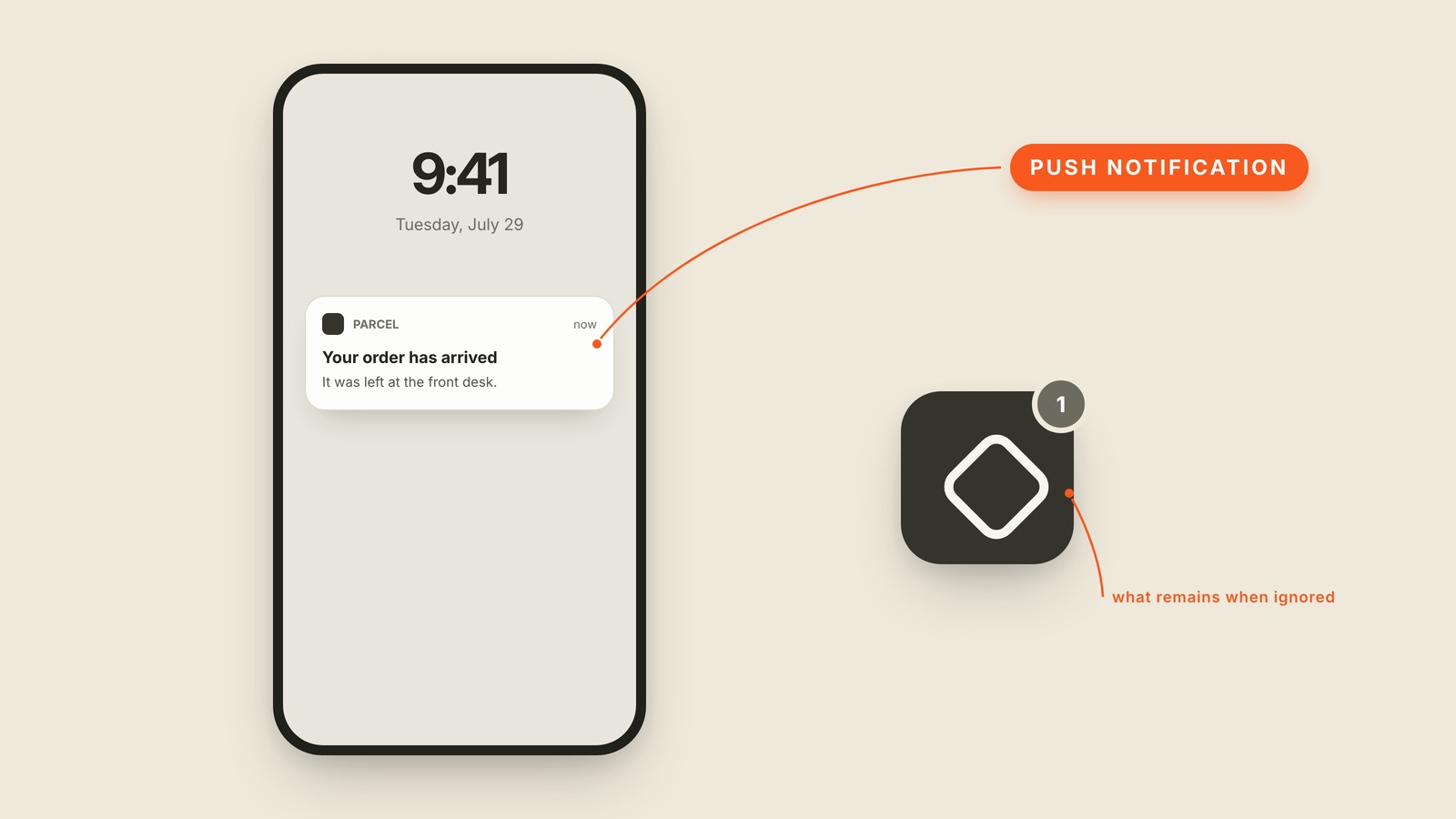
Fig. 11 / Push Notification
Mobile UI Patterns
Push Notification
EXPLAINED SIMPLY:The message an app sends when you are not in it.
A push notification is the message an app sends to your phone when you are not using it, usually as a small banner on the lock screen.
It has only a few parts: the app mark, a short title, one useful sentence, and the time it arrived. That tiny card has to explain both what happened and why opening the app is worth the interruption. A push notification is an invitation back, not a miniature email.
Ignore one and it often leaves a badge behind on the app icon. Open one and it should take you to the exact screen the message was about, not dump you at the front door and ask you to hunt. The notification and its destination are one experience, even though they live on different screens.
You'll also hear push, push alert, notification banner, and lock screen notification. A toast is the in-app cousin: it appears while you are already inside. Push reaches outside the product, which is why the permission to send it matters.
The easiest way to ruin the channel is to treat every update as urgent. A delivery arriving is useful. A generic "we miss you" at breakfast is not. If the message is not worth interrupting someone for, it is not worth pushing.