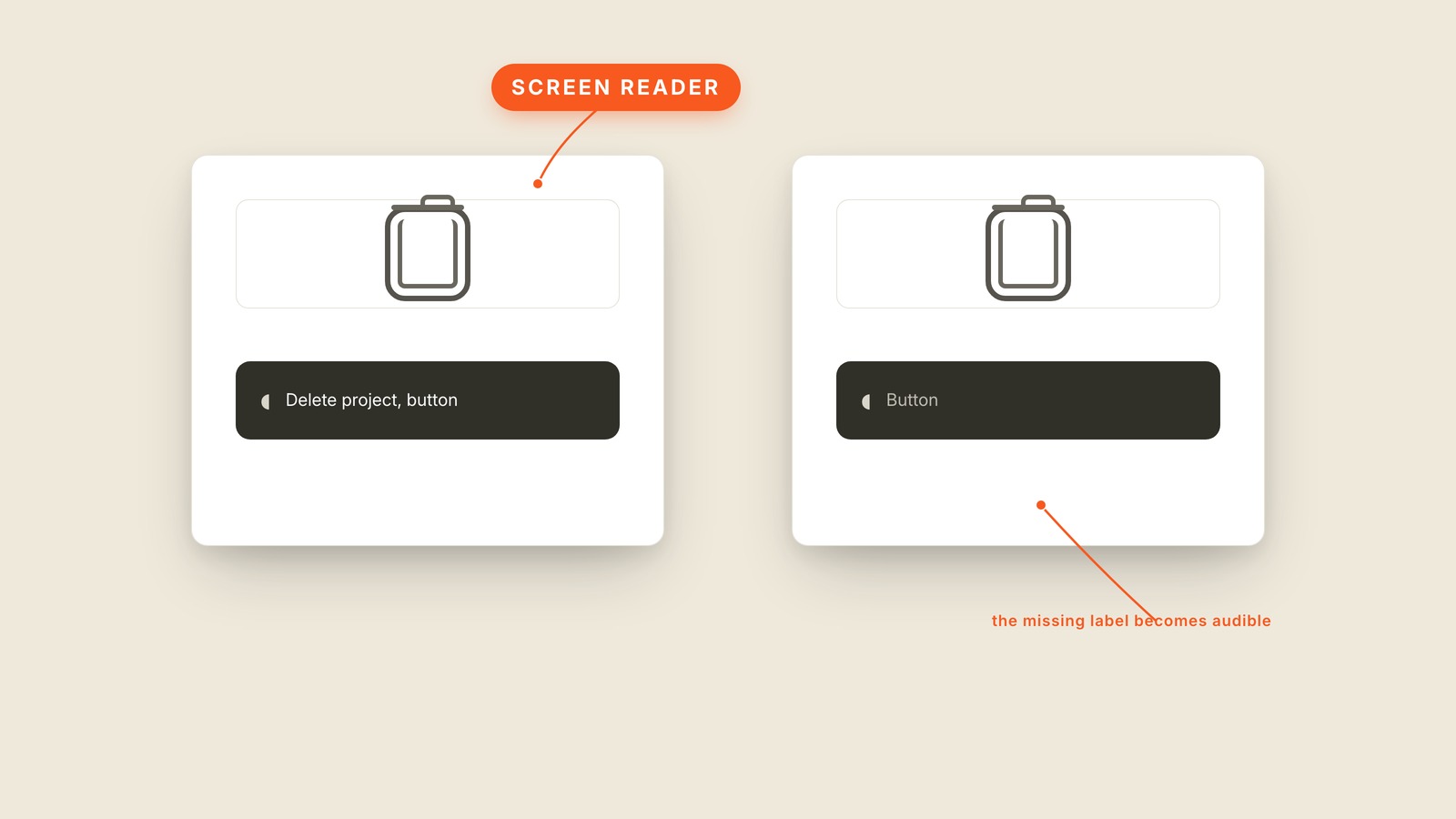
Fig. 66 / Screen Reader
UX & Process
Screen Reader
EXPLAINED SIMPLY:Software that turns an interface into speech.
A screen reader is software that reads an interface aloud and lets people operate it without needing to see the screen.
It moves through headings, links, buttons, fields, and images one labeled element at a time. A button that looks like a trash can may be obvious to a sighted user, but if nobody gave it a name, the screen reader can announce only "button." The spoken interface is built from the labels the visual interface usually hides.
Alt text supplies the description for images. Proper headings let someone skim by section instead of listening to every line. A useful button label says Delete project rather than Click here. The order also matters, because software reads the structure it receives, not the arrangement a screenshot appears to show.
You'll hear screenreader, spoken interface, assistive technology, VoiceOver, and TalkBack. The last two are product names for screen readers built into common phones and computers. Accessibility is the wider practice; a screen reader is one of the ways people experience its results.
Every meaningful control needs a name that makes sense without the picture. Test with the screen off and the gaps become obvious quickly. If the software can announce only "button," the design has left the sentence unfinished.