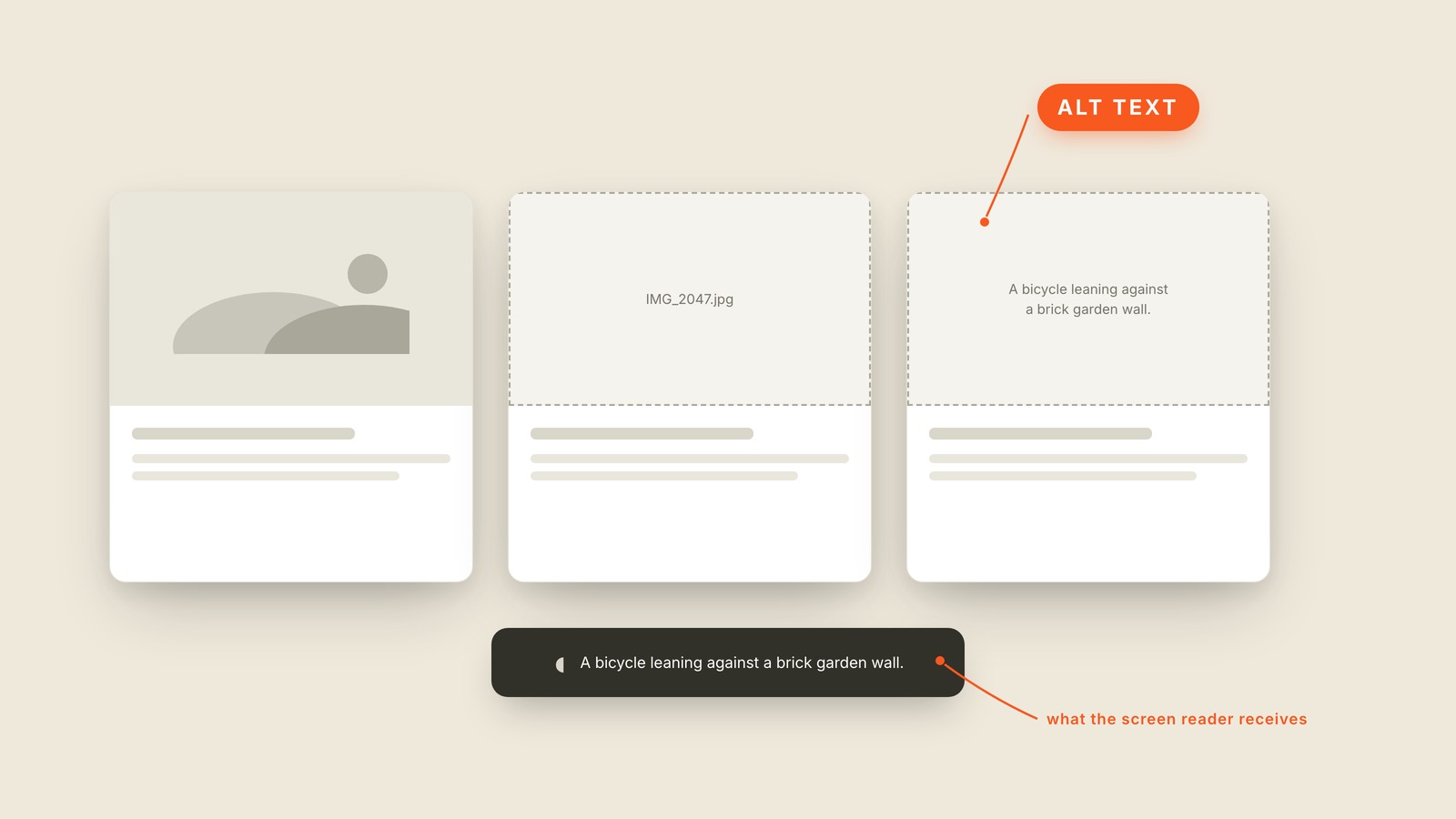
Fig. 31 / Alt Text
Web UI Patterns
Alt Text
EXPLAINED SIMPLY:The image description software can read aloud.
Alt text is the written description attached to an image, used when someone cannot see the picture or when the picture fails to load.
A screen reader speaks it aloud in place of the image. A browser can also show it when the file is missing, which is why "IMG_2047.jpg" is such a bad substitute for "A red bicycle leaning against a brick wall." Good alt text delivers the part of the image that matters in this context.
Context changes the description. A headshot beside an author's name may need no more than the person's name. The same photo in an article about lighting may need the direction of the light. Decorative flourishes can use empty alt text because announcing every squiggle only adds noise.
You'll hear alternative text, image description, image alt, alt attribute, and alt tag, though tag is not technically the right word. Captions are different: everyone can see a caption, while alt text waits behind the image for software that needs it.
Do not write "image of" because the screen reader already announces an image. Start with the useful information. If removing the picture would remove meaning, the alt text has to put that meaning back.