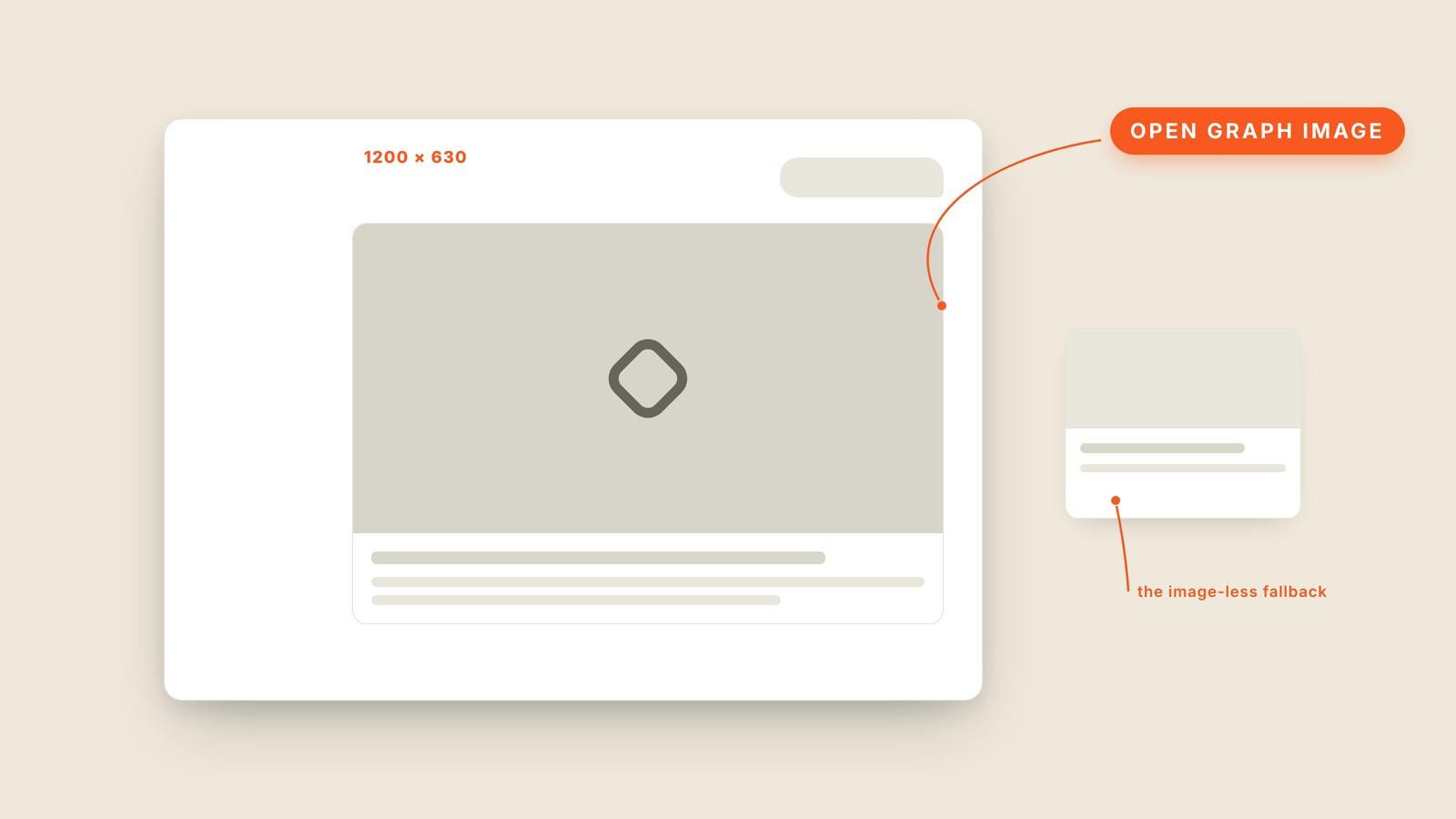
Fig. 40 / Open Graph Image
Web UI Patterns
Open Graph Image
EXPLAINED SIMPLY:The picture a shared link turns into.
An open graph image is the wide picture that appears in the preview card when someone pastes a website link into a chat or social post.
It lives outside the page but often decides whether anyone opens it. A designed preview carries the topic, the site's identity, and enough contrast to survive at thumbnail size. Without one, the platform may grab a random image or show a gray fallback. Every shared link is a tiny billboard, whether the site designed it or not.
The common canvas is 1200 by 630 pixels, a wide shape that gets cropped differently across apps. Important words and faces need room away from the edges, and small details will disappear. The favicon beside the URL helps identify the site, but it cannot carry the whole preview.
You'll hear OG image, social share image, share image, link preview, social card, and share preview. Open Graph is the protocol that tells platforms which image to use. The design term usually means the finished artifact rather than the plumbing.
Test the preview where people will actually see it, not only at full size. A beautiful poster can become unreadable in a message thread. If the link matters enough to share, its preview deserves to be designed.