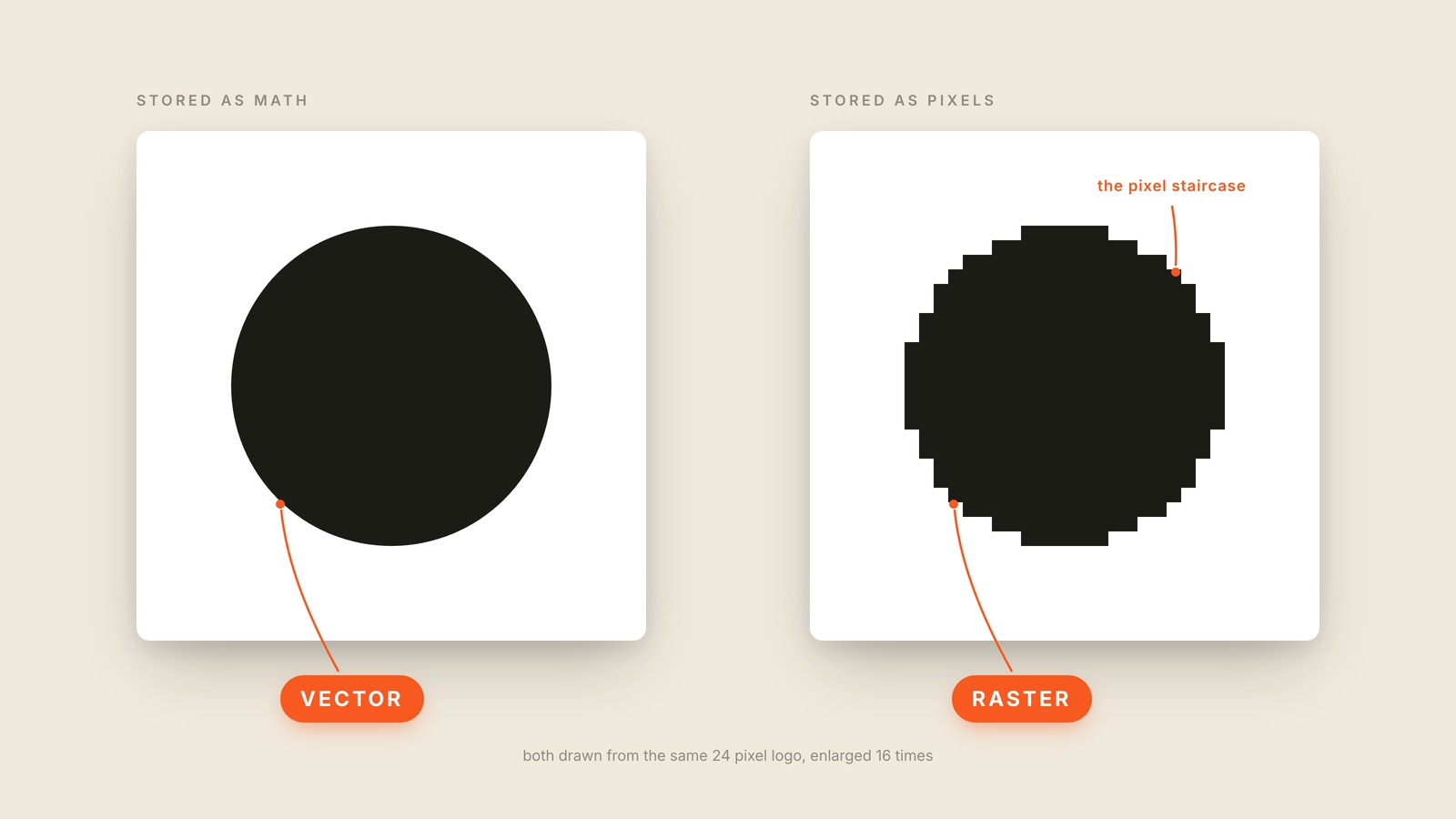
Fig. 51 / Vector & Raster
Visual Design Vocabulary
Vector & Raster
EXPLAINED SIMPLY:A vector image is stored as math, so it stays perfectly crisp at any size; a raster image is stored as a fixed grid of pixels, so it goes blurry and blocky the moment you enlarge it.
A vector image is stored as math, so it stays perfectly crisp at any size; a raster image is stored as a fixed grid of pixels, so it goes blurry and blocky the moment you enlarge it. Same picture, two completely different ways of remembering it.
The picture takes one 24 pixel logo and enlarges both versions 16 times. The vector redrew itself at the new size, and its edge is still a perfect curve. The raster dragged its original pixels along, and the curve dissolved into a staircase. That staircase is what everyone means by pixelated.
In practice the split is easy to remember. Logos, icons, and type should be vector, because they have to survive every size from a browser tab to a billboard. Photos are raster, always, because a camera captures pixels and there is no equation for a face. The photo filling a hero is raster; the logo sitting on top of it had better be vector. Neither format is better. They do different jobs, and most products ship both.
The trap always looks the same. Somebody needs the logo big for a banner, and all anyone can find is the small PNG from an old email signature. Enlarging it adds no detail; it makes bigger pixels. You cannot turn a raster into a vector by scaling it up. The fix is to go find the source file, which for a logo usually means an SVG. SVG is a vector format; PNG and JPG are raster.
You'll also hear bitmap for raster, scalable for vector, and pixelated for what happens when a raster gets pushed past its size. When a designer asks "do you have this as a vector," they're asking for the math, and a bigger PNG is not it. Send one anyway and you've handed them the same staircase, now larger.